

YouTube Thumbnail Size Guide 2026: Perfect Dimensions for Viral Videos
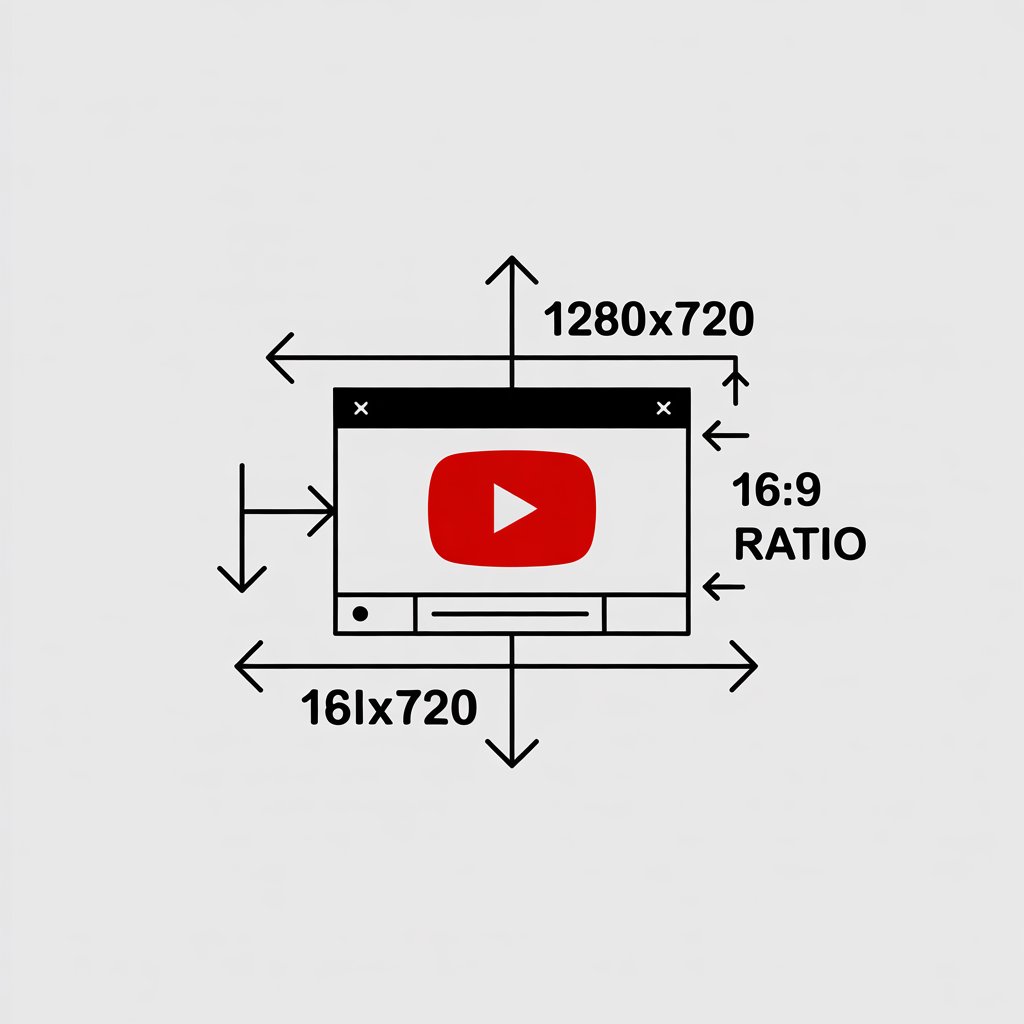
Your YouTube thumbnail is the first thing viewers see and can make or break your video's success. A poorly sized thumbnail appears blurry, gets cropped awkwardly, or fails to upload altogether. Getting the dimensions right is crucial for maximum impact.
In this comprehensive guide, we'll cover everything you need to know about YouTube thumbnail sizes in 2026, including exact dimensions, file formats, design tips, and how to download thumbnails using our free YouTube Thumbnail Downloader Tool. Let's create thumbnails that get clicks!
📋 Table of Contents
📐 The Perfect YouTube Thumbnail Size
✅ Official YouTube Thumbnail Requirements:
Resolution
1280 x 720 pixels
Aspect Ratio
16:9
Minimum Width
640 pixels
Maximum File Size
2 MB
💡 Why 1280x720? This is YouTube's HD standard. It looks crisp on all devices—from mobile phones to 4K TVs. Lower resolutions appear blurry, while higher resolutions get downscaled unnecessarily.
Resolution Breakdown:
- Minimum Acceptable: 640 x 360 pixels (not recommended)
- Recommended (HD): 1280 x 720 pixels ✅
- Higher Quality: 1920 x 1080 pixels (gets downscaled but maintains quality)
- Maximum Useful: 1920 x 1080 pixels (anything higher is overkill)
⚡ Pro Tip: Always design at 1920x1080 and export at 1280x720. This gives you a high-quality source file while keeping the upload size optimal.
Why Size Matters:
- Click-Through Rate (CTR): Sharp thumbnails get 30-50% more clicks
- Mobile Optimization: 70% of YouTube views come from mobile devices
- Search Rankings: YouTube's algorithm favors videos with better engagement
- Professionalism: Quality thumbnails signal quality content
- Brand Consistency: Proper sizing ensures your branding looks consistent
🔧 Complete Technical Specifications
YouTube's Official Requirements (2026):
Image Dimensions
- Ideal Resolution: 1280 x 720 pixels (720p HD)
- Minimum Width: 640 pixels wide
- Aspect Ratio: 16:9 (mandatory for proper display)
- Alternative Option: 1920 x 1080 pixels (1080p Full HD)
Note: YouTube automatically resizes images, but starting with correct dimensions ensures best quality.
File Size Limits
- Maximum Size: 2 MB (2048 KB)
- Recommended Size: 200 KB - 500 KB for faster loading
- Compression Tip: Use JPEG at 80-90% quality for best balance
File Size Examples:
📸 High Quality JPEG (90%): ~400-600 KB
📸 Medium Quality JPEG (80%): ~200-350 KB
📸 PNG (uncompressed): 1-2 MB
Color & Image Quality
- Color Space: RGB (not CMYK)
- Bit Depth: 8-bit per channel minimum
- DPI/PPI: 72 DPI is sufficient (it's for screens, not print)
- Brightness: Avoid pure black (#000000) - use #0A0A0A or lighter
- Contrast: High contrast text for readability
Display Sizes Across Platforms:
Desktop Search Results: 320 x 180 pixels
Desktop Suggestions: 168 x 94 pixels
Mobile App: Variable, scaled to screen width
Smart TV: Full 1280 x 720 resolution
Embedded Players: Scales based on player size
💡 Key Insight: Your thumbnail will be viewed at many different sizes. Design with the smallest viewing size in mind (mobile) but maintain quality for larger displays.
📺 Understanding 16:9 Aspect Ratio
The 16:9 aspect ratio is mandatory for YouTube thumbnails. This ratio means the width is 16 units for every 9 units of height.
Why 16:9 is Standard:
- Video Player Match: YouTube videos are 16:9, so thumbnails match perfectly
- Widescreen Compatibility: Works on all modern screens (phones, tablets, monitors, TVs)
- No Black Bars: Fills the frame completely without letterboxing
- Industry Standard: Used by Netflix, Amazon Prime, and all streaming platforms
Common 16:9 Resolutions:
Standard Resolutions
- 1920 x 1080: Full HD (1080p) ✅ Best for editing
- 1280 x 720: HD (720p) ✅ Perfect for upload
- 854 x 480: SD (480p) ⚠️ Too low
- 640 x 360: 360p ❌ Minimum, not recommended
- 3840 x 2160: 4K (2160p) ⚠️ Unnecessarily large
What Happens with Wrong Aspect Ratio:
❌ Wrong Ratios:
• 4:3 (1024x768) - Black bars on sides
• 1:1 (Square) - Cropped or stretched
• 21:9 (Ultrawide) - Top/bottom cropped
(YouTube will crop or letterbox these)
✅ Correct Ratio:
• 16:9 (1280x720) - Perfect fit
• 16:9 (1920x1080) - Scales perfectly
• No cropping, no distortion
(Displays beautifully everywhere)
⚡ Design Tip: Keep important text and faces in the center 50% of your thumbnail. This "safe zone" remains visible even when thumbnails are displayed at smaller sizes.
📄 Supported File Formats
YouTube accepts several image formats, but choosing the right one affects quality and file size.
1. JPEG/JPG (Recommended) ✅
The best format for YouTube thumbnails.
Advantages:
- Small file size (typically 200-500 KB)
- Good quality at 80-90% compression
- Fast upload and processing
- Supported everywhere
- Best for photos and complex images
When to Use: Almost always—it's the default choice for thumbnails.
Export Settings:
Format: JPEG
Quality: 85-90%
Resolution: 1280 x 720 pixels
Color Profile: sRGB
2. PNG (Alternative)
High-quality format with transparency support.
Advantages:
- Perfect quality (lossless compression)
- Supports transparency (for logos/overlays)
- Better for graphics with text
- No compression artifacts
Disadvantages:
- Larger file size (often 1-2 MB)
- Slower upload time
- May need compression to stay under 2 MB
When to Use: For text-heavy thumbnails or when you need transparency during editing.
3. GIF (Not Recommended) ⚠️
While technically supported, GIFs have major limitations.
Disadvantages:
- Limited to 256 colors (looks poor quality)
- No animation support on YouTube
- Larger file size for same quality
- Better alternatives exist
When to Use: Don't use GIFs for thumbnails. Convert to JPEG or PNG instead.
4. BMP (Not Supported) ❌
Windows Bitmap format is not accepted by YouTube.
Issues:
- Uncompressed, huge file sizes
- Not supported by YouTube
- No web optimization
Solution: Convert BMP to JPEG before uploading.
Quick Format Comparison:
Best Overall: JPEG at 85-90% quality
Best Quality: PNG (but larger file size)
Fastest Upload: Compressed JPEG (80% quality)
Text/Graphics: PNG → Export as JPEG
Photos: JPEG always
🎨 Thumbnail Design Best Practices
Having the right size is just the start. Here's how to create thumbnails that get clicks:
1. Visual Hierarchy & Composition
- Rule of Thirds: Place key elements at intersection points
- Face in Focus: Human faces increase CTR by 40%
- Eye Contact: Direct gaze at camera works best
- Negative Space: Don't clutter—leave breathing room
- Focal Point: One clear subject, not multiple competing elements
2. Text & Typography
- Font Size: Minimum 30-40pt for readability on mobile
- Word Limit: 3-5 words maximum—less is more
- Bold Fonts: Sans-serif, thick fonts (Impact, Bebas, Montserrat)
- Contrast: White text with black outline, or dark text on bright background
- No Full Sentences: Use power words and questions
- Readable at Small Size: Test at 120 pixels wide
3. Color Psychology
High-Performing Color Combinations
- Red + Yellow: High energy, urgency (McDonald's strategy)
- Blue + Orange: Trust + excitement (contrasting colors)
- Black + Yellow: Attention-grabbing, warning colors
- Purple + Green: Unique, stands out in feed
- Avoid: All-dark thumbnails (don't stand out)
⚡ Pro Tip: Use colors that contrast with YouTube's white/dark interface. Bright, saturated colors pop more than muted tones.
4. Brand Consistency
- Template System: Create 3-5 thumbnail templates
- Consistent Fonts: Use same 1-2 fonts across all videos
- Color Palette: Stick to 2-3 brand colors
- Logo Placement: Bottom-right corner (doesn't block timestamp)
- Style Identity: Viewers should recognize your thumbnails instantly
5. Mobile-First Design
💡 Critical: 70% of YouTube watch time is on mobile. Design for small screens first, then check desktop view.
- Large Elements: Everything should be visible at 180 pixels wide
- No Fine Details: Intricate designs become muddy on mobile
- High Contrast: Must be readable in bright sunlight
- Test on Phone: Always preview your thumbnail on an actual mobile device
6. Emotion & Expression
- Exaggerated Emotions: Surprise, shock, excitement work best
- Open Mouth: Increases perceived energy and curiosity
- Pointing/Gestures: Directs attention to text or key elements
- Before/After: Show transformation or comparison
- Avoid Neutral: Boring expressions = fewer clicks
🎨 Need Thumbnail Inspiration?
Download thumbnails from top YouTubers to analyze what works
Try Thumbnail Downloader →⚠️ Common YouTube Thumbnail Mistakes
Top Thumbnail Errors to Avoid:
- Mistake #1: Using low resolution images (appears pixelated and unprofessional)
- Mistake #2: Too much text (unreadable on mobile, cluttered look)
- Mistake #3: Wrong aspect ratio (gets cropped, black bars appear)
- Mistake #4: Clickbait that doesn't match content (kills watch time, hurts algorithm)
- Mistake #5: Dark or low contrast images (doesn't stand out in feed)
- Mistake #6: Inconsistent branding (viewers don't recognize your content)
- Mistake #7: Using YouTube's auto-generated thumbnail (looks lazy, gets fewer clicks)
- Mistake #8: File size over 2 MB (upload rejected)
- Mistake #9: Ignoring mobile view (70% of viewers won't see details)
- Mistake #10: Copying competitors exactly (looks unoriginal)
Before & After Examples:
❌ Poor Thumbnail:
• Random video frame
• Small, hard-to-read text
• No clear focal point
• Boring expression or no face
• Muted colors
• Resolution: 640x360 (blurry)
Result: 0.5% CTR
✅ Optimized Thumbnail:
• Custom designed image
• Large, bold text (3-4 words)
• Face with exaggerated emotion
• Bright, contrasting colors
• Clean composition
• Resolution: 1280x720 (sharp)
Result: 8-12% CTR
Technical Errors & Solutions:
Problem: "File Too Large" Error
Cause: Thumbnail exceeds 2 MB limit
Solution:
- Export as JPEG instead of PNG
- Reduce quality to 80-85%
- Use online compressors (TinyPNG, Compressor.io)
- Ensure dimensions are 1280x720, not larger
Problem: Blurry Thumbnail on YouTube
Cause: Low resolution or wrong aspect ratio
Solution:
- Use minimum 1280x720 resolution
- Maintain 16:9 aspect ratio exactly
- Don't upscale small images—create new at correct size
- Save at high quality (90% JPEG or PNG)
⚡ Quick Check: Before uploading, view your thumbnail at 180 pixels wide. If you can't read the text or identify the subject, redesign it.
🛠️ Best Tools for Creating YouTube Thumbnails
Design Software:
1. Canva (Best for Beginners) ✅
Platform: Web, iOS, Android
Price: Free (Pro: $12.99/month)
Features:
- Pre-made YouTube thumbnail templates (1280x720)
- Drag-and-drop interface
- Free stock photos and graphics
- Text effects and fonts
- Background remover (Pro)
Best For: Quick thumbnails, non-designers, batch creation
2. Adobe Photoshop (Professional) ✅
Platform: Windows, Mac
Price: $20.99/month (Photography Plan)
Features:
- Complete control over every element
- Advanced photo editing
- Layer-based workflow
- Professional text effects
- Color correction and filters
Best For: Professional YouTubers, complex designs, photo manipulation
3. Photopea (Free Photoshop Alternative)
Platform: Web browser
Price: Free (with ads)
Features:
- Photoshop-like interface
- Supports PSD files
- No installation required
- All essential editing tools
Best For: Budget creators who need advanced features
4. Figma (Team Collaboration)
Platform: Web, Windows, Mac
Price: Free (Pro: $12/month)
Features:
- Real-time collaboration
- Template sharing
- Cloud-based (access anywhere)
- Component libraries
Best For: Teams, agencies, consistent branding
Our Free Tool:
YouTube Thumbnail Downloader ✅
Download high-quality thumbnails from any YouTube video for analysis and inspiration.
Features:
- Download in multiple resolutions (SD, HD, Full HD)
- Instant download, no registration
- Study successful thumbnails
- Analyze competitor strategies
- Get inspiration for your designs
How to Use:
- Copy any YouTube video URL
- Paste into our Thumbnail Downloader
- Choose quality (1280x720 recommended)
- Download and analyze the design
Optimization Tools:
- TinyPNG: Compress PNG files without quality loss
- Compressor.io: Reduce JPEG file size by 90%
- ImageOptim: Batch compress images (Mac)
- Squoosh: Google's image compressor (web-based)
🎯 Conclusion: Master YouTube Thumbnails for Success
Creating the perfect YouTube thumbnail is both art and science. Getting the technical specs right—1280x720 pixels, 16:9 aspect ratio, under 2 MB—is just the foundation. The real magic happens when you combine proper sizing with compelling design, vibrant colors, readable text, and emotional expressions.
Remember that your thumbnail is competing with thousands of others for attention. Every detail matters, from the file format you choose to the way you position text. Test different designs, analyze what works in your niche, and continuously improve.
Use our YouTube Thumbnail Downloader to study successful creators, download their thumbnails for inspiration, and learn what makes thumbnails click-worthy in 2026.
Key Takeaways:
- Always use 1280x720 pixels (16:9 aspect ratio)
- Keep file size under 2 MB (preferably 200-500 KB)
- JPEG format at 85-90% quality is best
- Design for mobile first (70% of views)
- Use bold text, high contrast, and bright colors
- Include faces with exaggerated emotions
- Maintain brand consistency across all thumbnails
- Test at small sizes before uploading
- Never use auto-generated thumbnails
- Study competitors and adapt winning strategies
Ready to create stunning thumbnails? Start designing with the perfect dimensions today. Want to analyze successful thumbnails? Download them instantly with our free tool!
📸 Download Any YouTube Thumbnail!
Analyze successful designs and get inspired
Try Thumbnail Downloader →